Pawzon - All in one place for pet owners
Fostering communities and increasing app engagement by creating safe spaces for students to interact with one another.
PROJECT OVERVIEW
I was hired by the client to design a mobile app aimed at pet owners. The client has already determined the key features of the app, and my task was to design and evaluate those features
INFO
Role
UX Designer and Researcher
Team
Client and me
Timeline
8 weeks
PROBLEM
Lack of an all-in-one solution for dog owners that combines pet care features with social feature, especially in the Asian market.
GOAL
Deliver a high-fidelity prototype that includes all features the client requested while making sure the product responds to user needs while being intuitive and simple to use.
FEATURES
Registration
Pet profile creation
Pet health records
Reminders - daily habits & appointments
Social feature - connecting and communicating with other pet owners
PROJECT CONSTRAINTS
Identifying project constraints initially was key to figuring out how to overcome them during the design process. Those constraints were:
1. Time and budget limitations
Lack of user base and research participant pool
UNDERSTAND
Who are the users?
Considering the project limitations, there was no time to conduct user interviews at the beginning of the project. Instead, I wanted to find a way to gather some user data that would give me more information about their habits while also trying to recruit testers.
The survey was shared through survey sharing websites (such as SurveyCircle).
Socialization stats
68.2%
Owners socialize their dog
37,5%
Struggle to find other dogs to socialize with
Another concern user pointed out is that they don't socialize their dogs due to health concerns & not knowing the vaccination status of other dogs.
Dog care
When asked what aspect of pet care they needs more support in, the participants answered the following
55,3%
Training
31,8%
Socialization
28,2%
Vaccination & Health
21,2%
Daily rountine
Besides training, the app we are developing aims to help with all other aspects of pet care. This is an indicator that the project is going in the right direction.
Who is the competition?
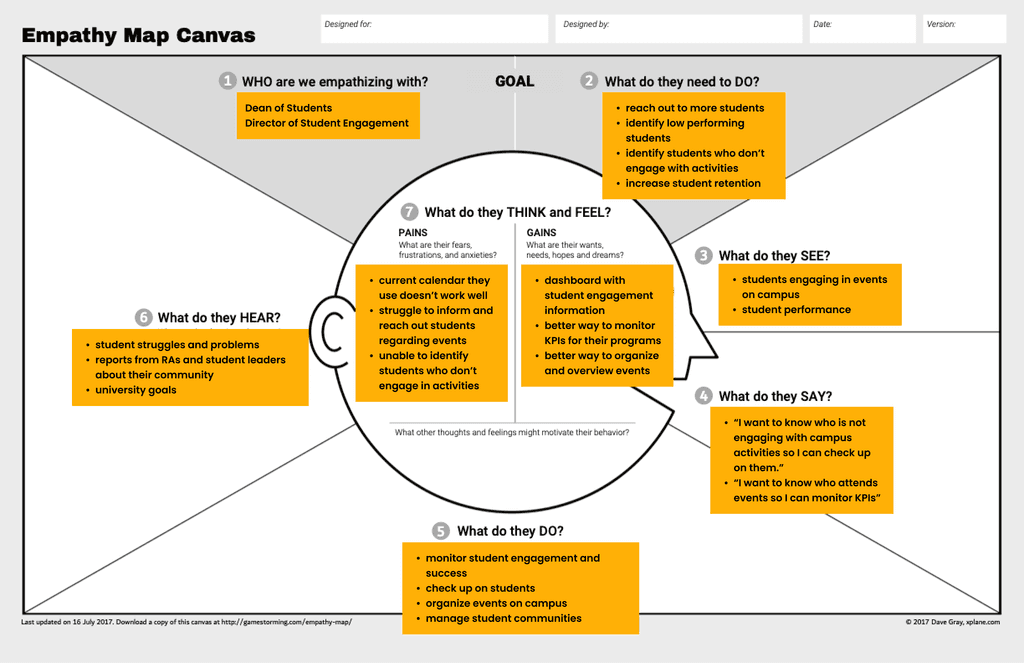
HMW
How might we empower students to transition their online connections into real-life experiences?
IDEATE
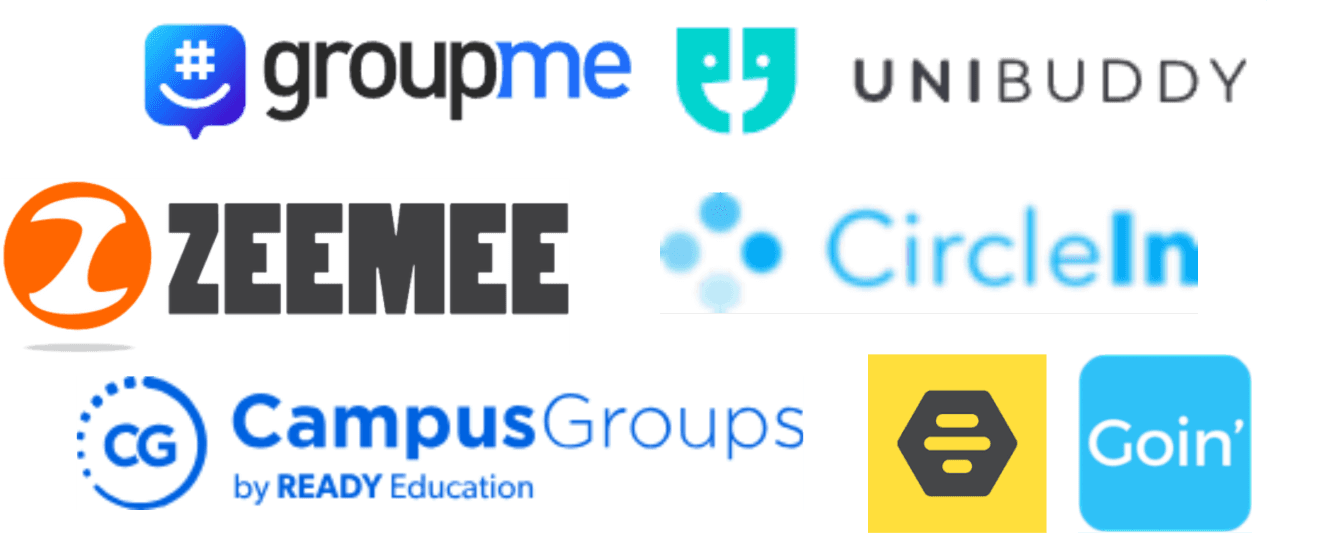
As a starting point, we wanted to understand what our direct and indirect competitors are doing to solve similar issues.
7/7
Competitors have some version of group chats
4/7
Have an event feature
Groups are a great way to create a feeling of community and support, and student very often use them to look for housing and academic support.
Moreover, our sales representative pointed out that academic support as well as student well being is one of the key priorities that our potential customers have.
During our user interviews, we asked students if they prefer to meet new people one on one or in larger groups. We were already playing with the idea of expanding Connou to include groups, and we wanted to validate it.
60%
Students said they prefer meeting people in larger groups over one-on-one experiences.
Developing a group & events feature inside Connou seemed like a natural way to go. But, for a startup, these two features could take a while to develop, so the team got together and prioritized the features using the MoSCoW method.
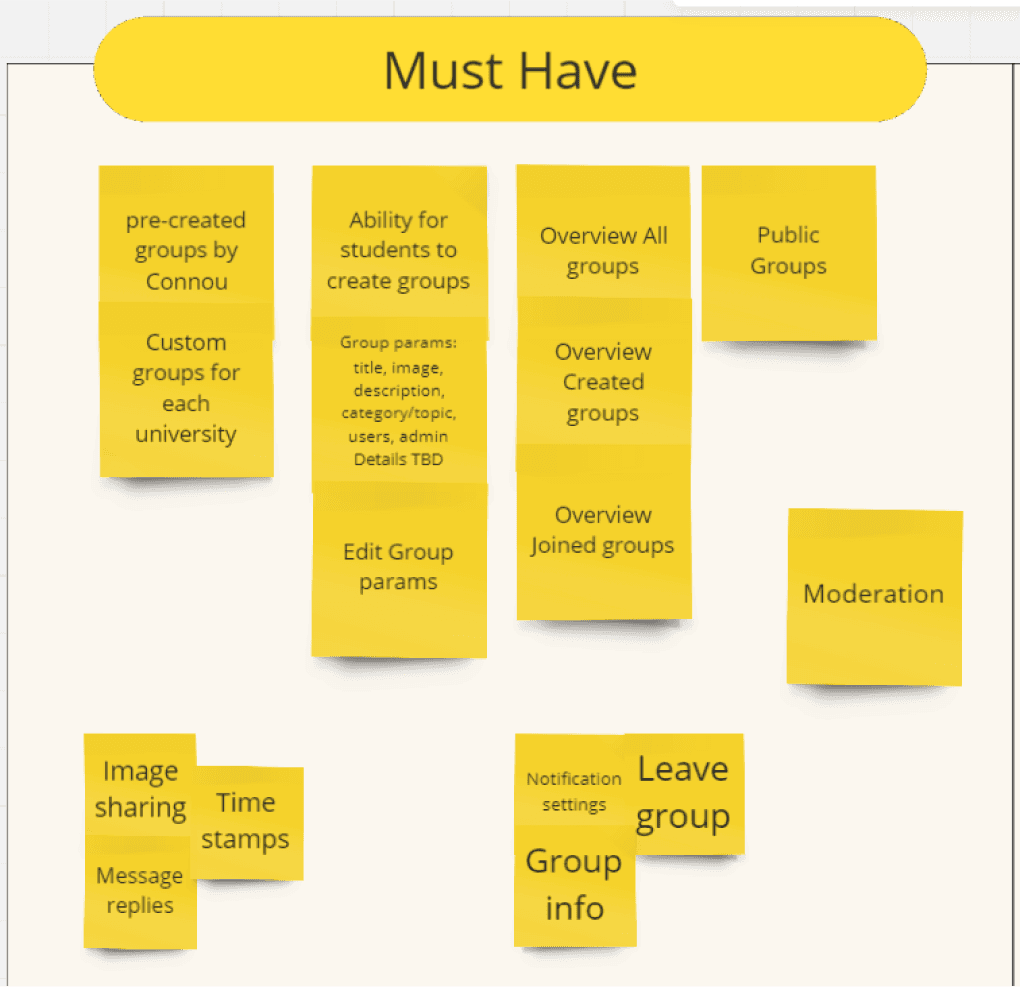
The final decision came to developing just the Groups feature as a solid foundation to support the growth of the Connou communities in the future.
DESIGN
Mid Fidelity
Keeping the whole team engaged in the design process could potentially be challenging, that’s why we started with mid fidelity wireframes to showcase our vision to the team and get their feedback.
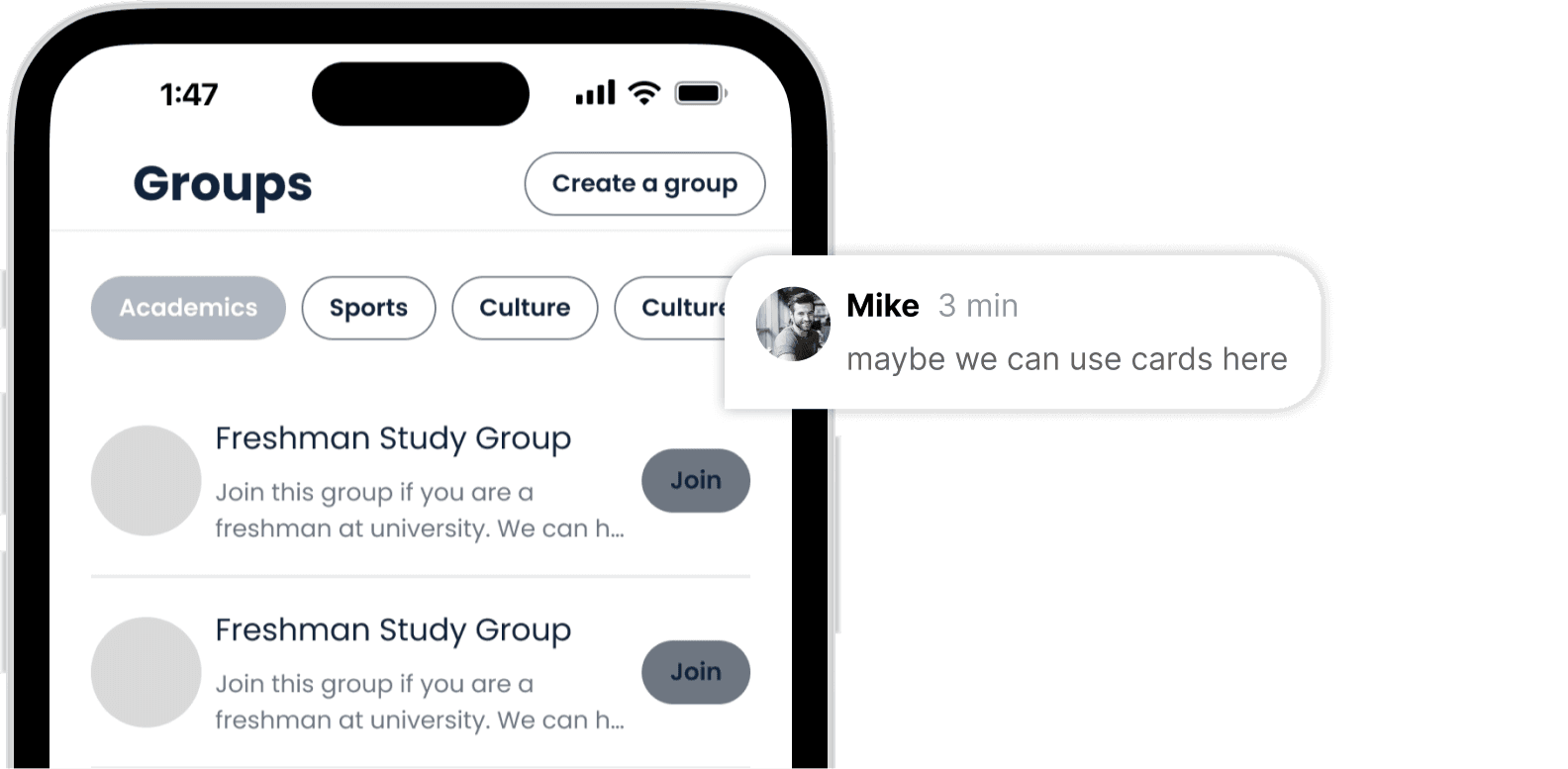
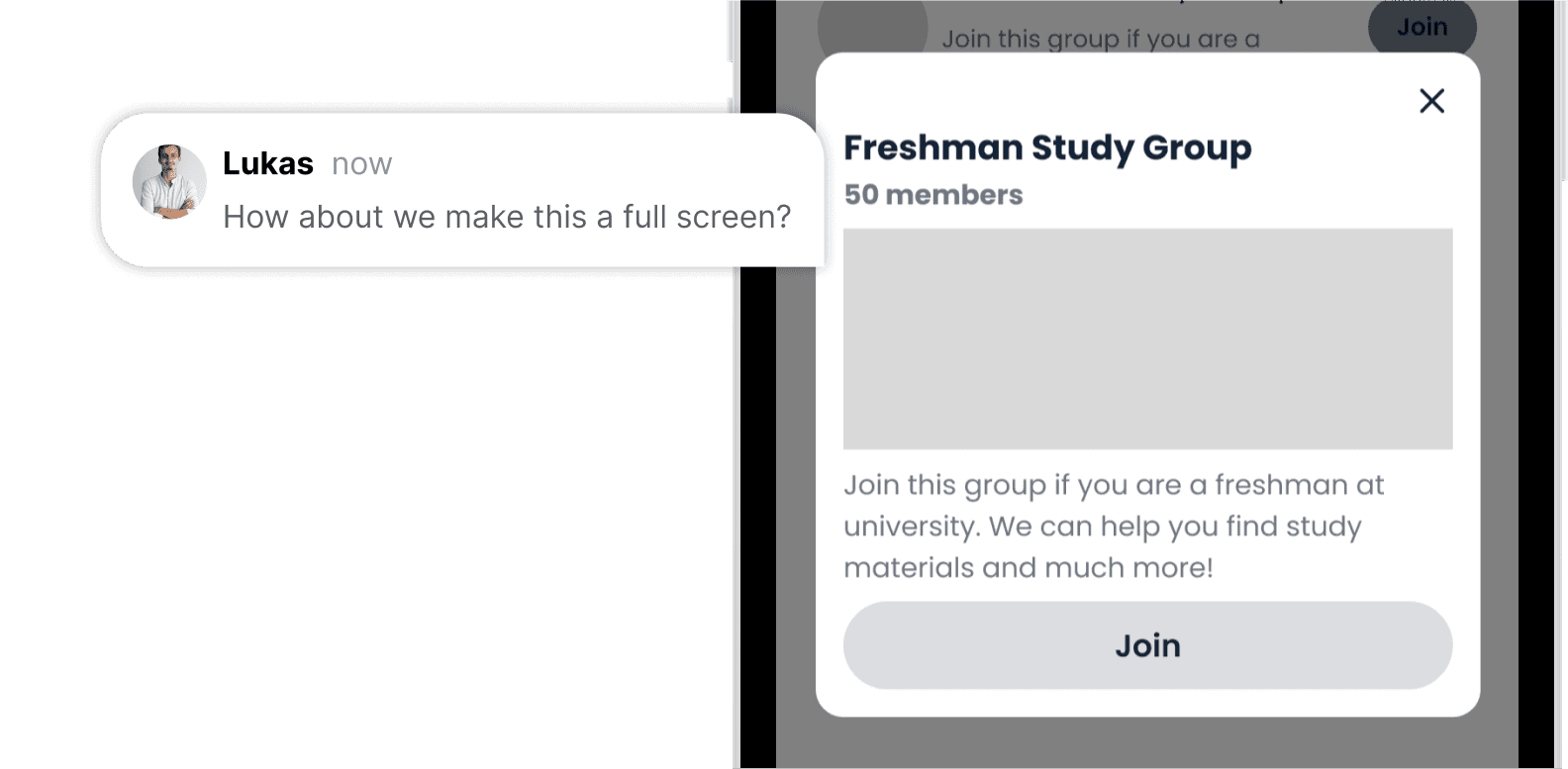
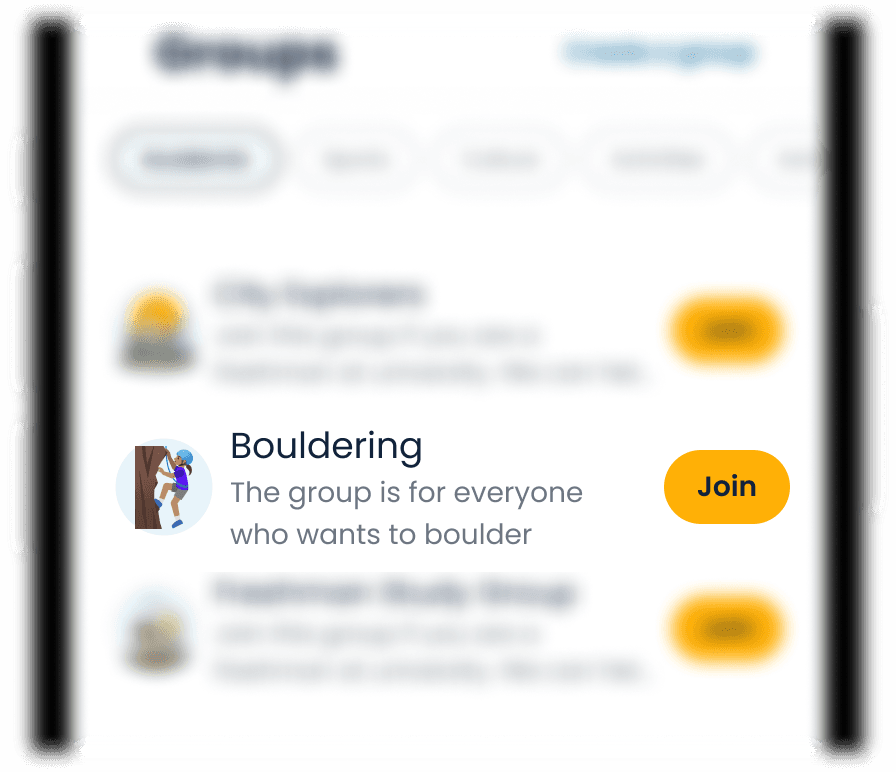
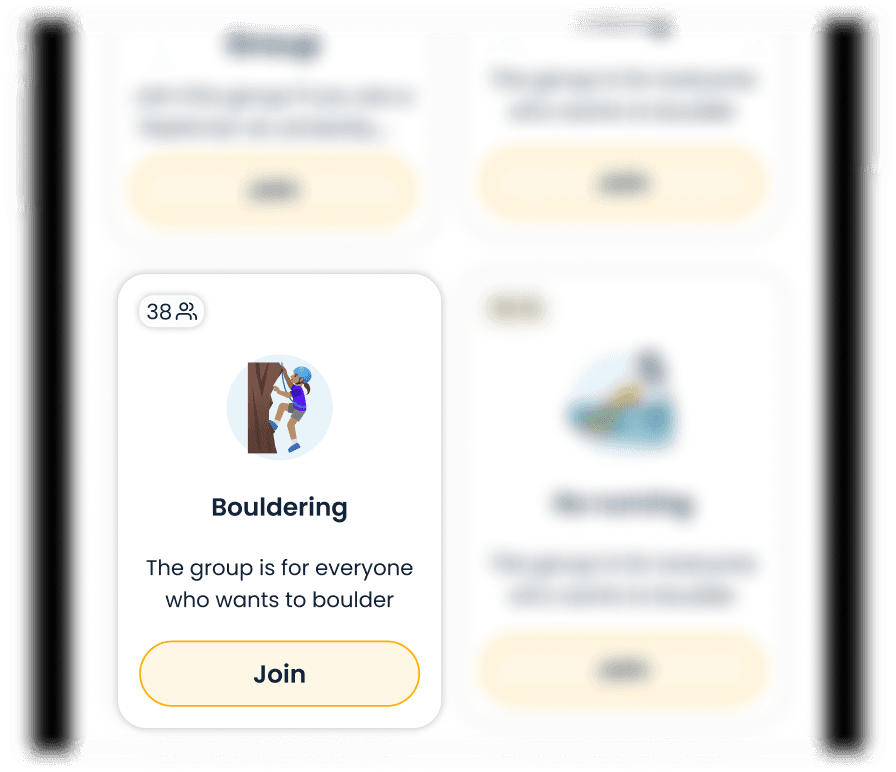
In order to make sure the feedback from users is as relevant as possible, we decided that we needed more realistic wireframes than the ones created in the mid-fidelity phase. Creating the high fidelity designs meant taking into consideration team feedback and iterating on some UI components.
High Fidelity
KEY FLOWS
We designed three key flows we wanted to validate with users.
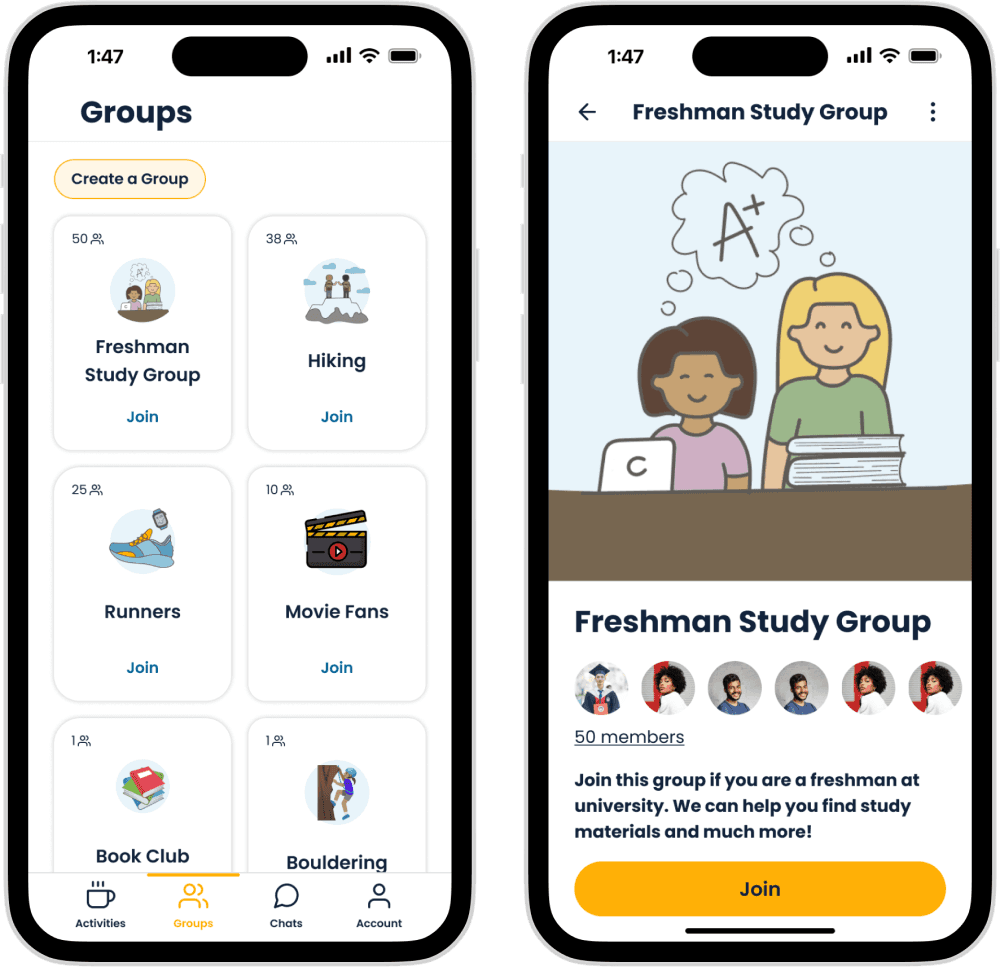
Joining a group
We needed a simple flow for users to browse and join different groups their peers created.
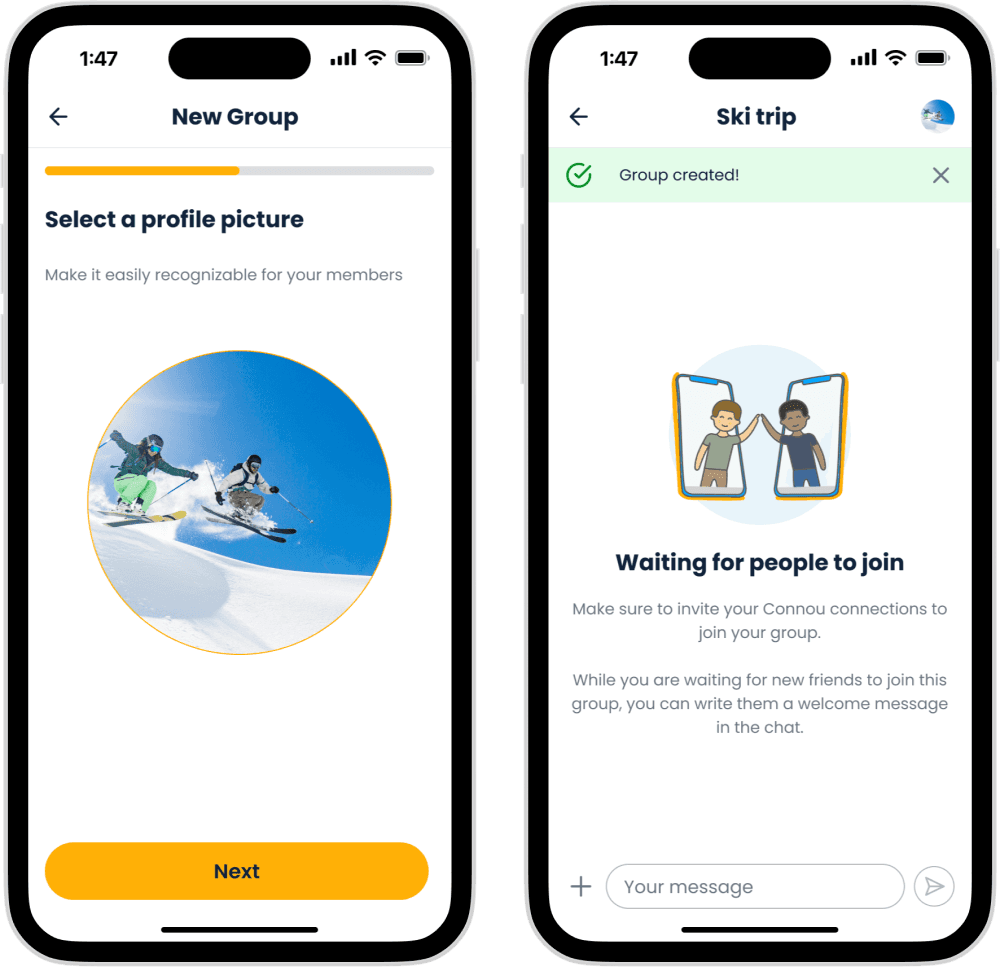
Creating a group
If we are giving our users the ability to create their own groups, we need to make sure to make that process as simple as possible and encourage them throughout this journey.
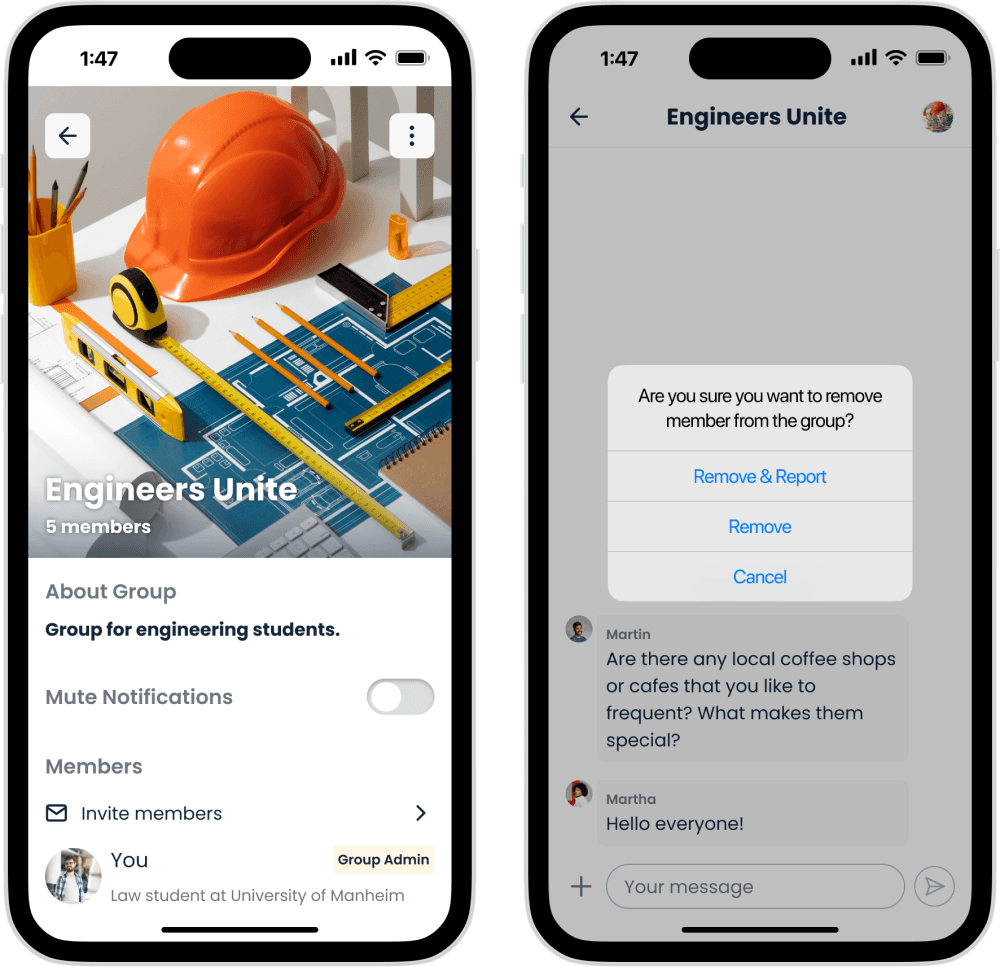
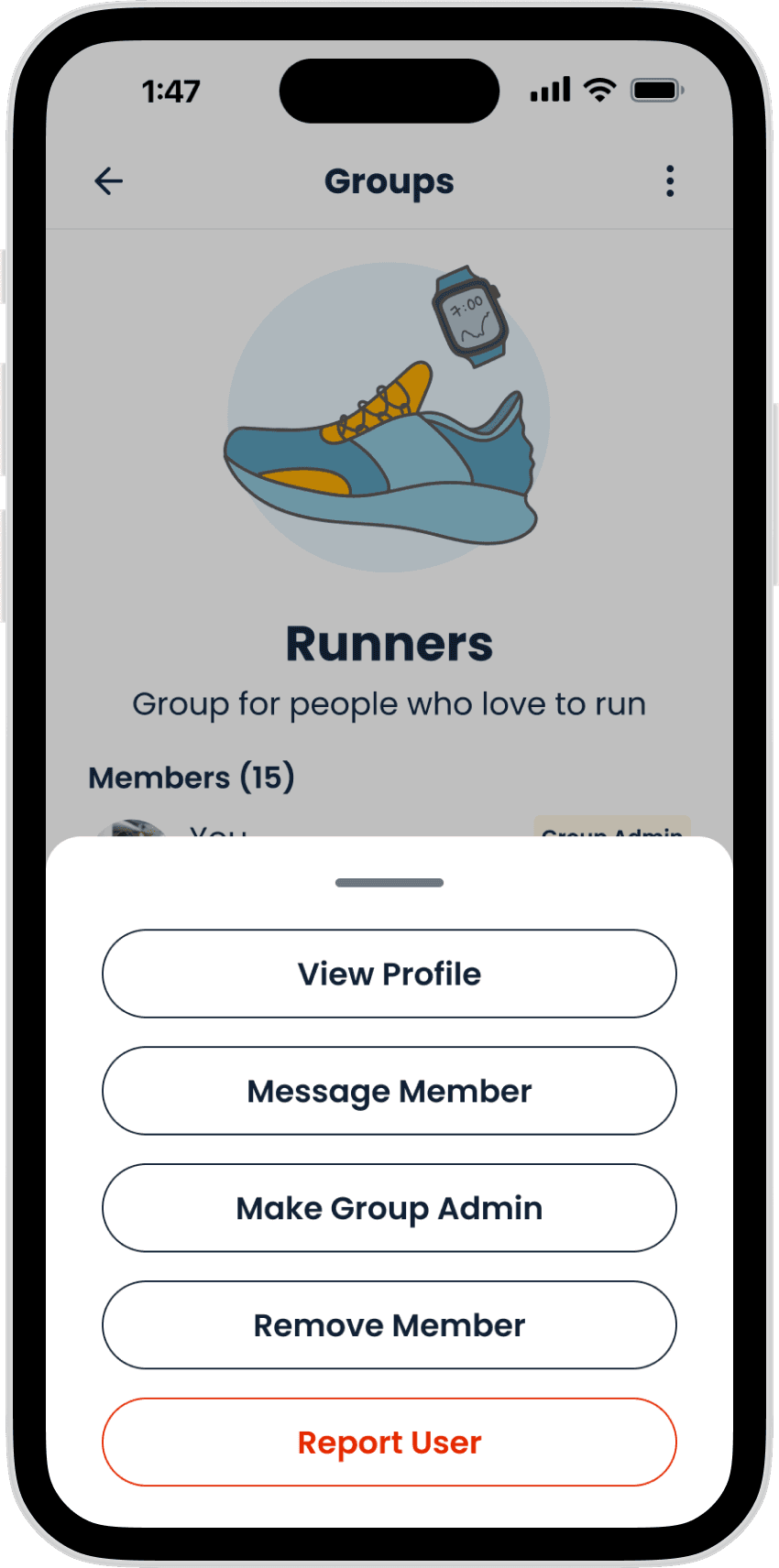
Moderating a group
Community management and group moderation is very important in making sure that our communities are safe and respectful. We wanted to address any concerns users might have regarding how to keep the group they create safe and
TEST
What worked
1.
All users showed excitement regarding the group feature.
2.
They highlighted the importance of being able to invite their Connou connection into the groups, saying that this will make it easier to make plans with friends since they won’t have to create groups in different apps like they do now.
3.
Users were successful in creating their own groups and easily followed the group set up flow.
What didn't work
1.
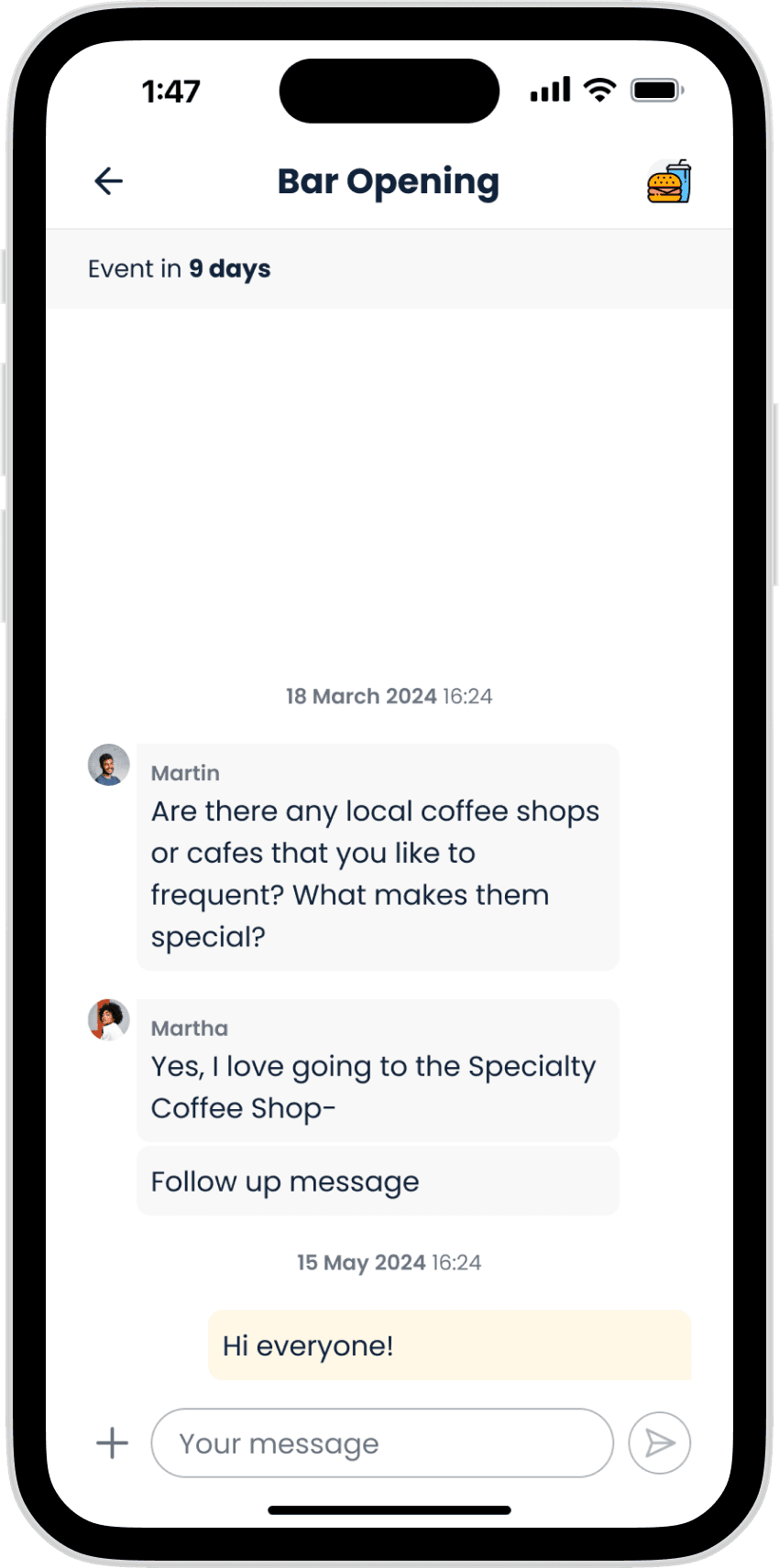
Users struggled to access the group chats they already joined. They looked for those groups in the group tab first and not in the chat as we expected.
2.
It was not clear for them if the groups are permanent or temporary.
3.
They expressed that there is a lack of information on when the group will meet, they wanted to have an option to schedule a time and place to meet with the rest of the members.
After talking to the users, it became obvious that Events might be more relevant to them than we thought.
While Groups provide users with a more permanent access to their community, students also want use Connou to plan outings and hangouts where they could meet even more people.
GROUPS BECAME COMMUNITY
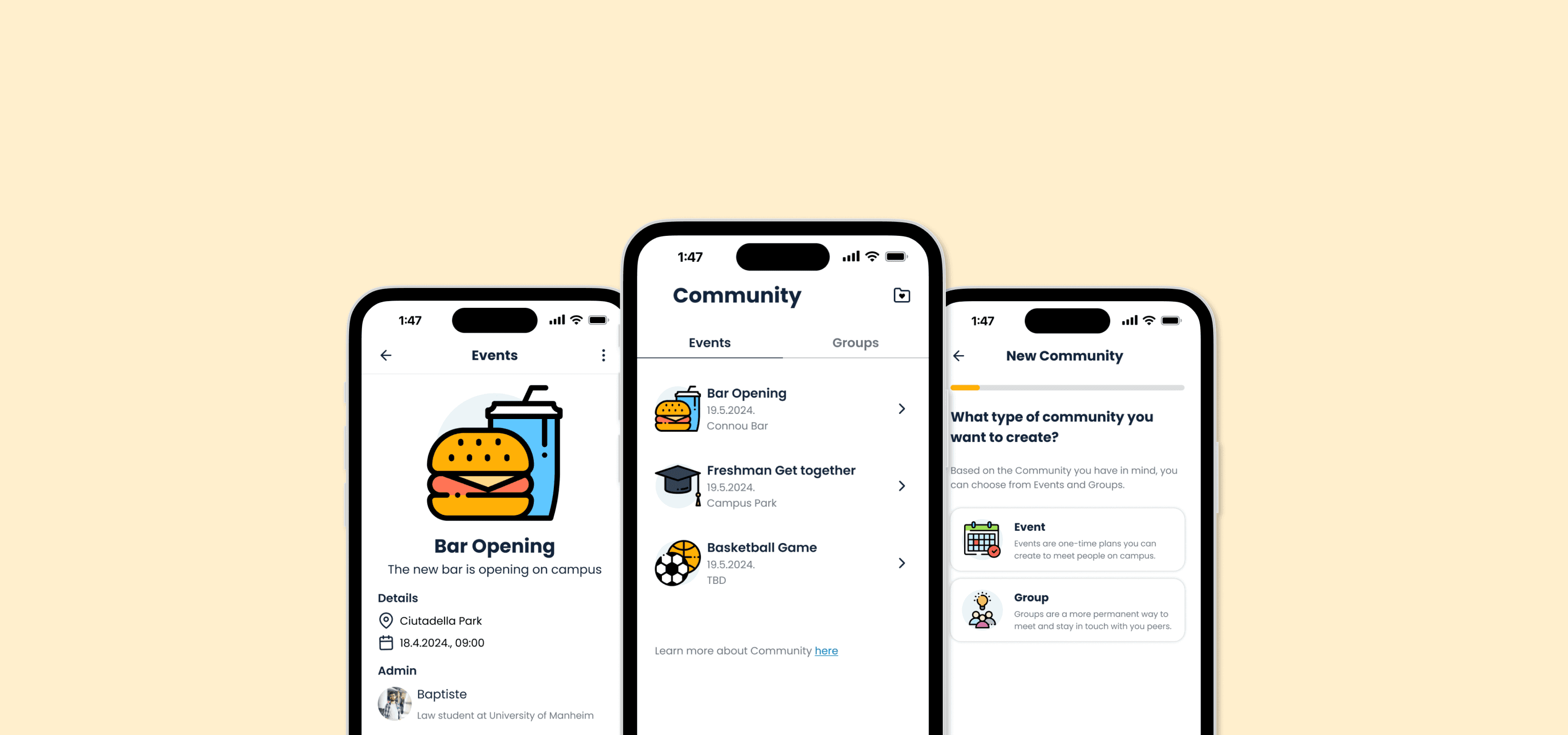
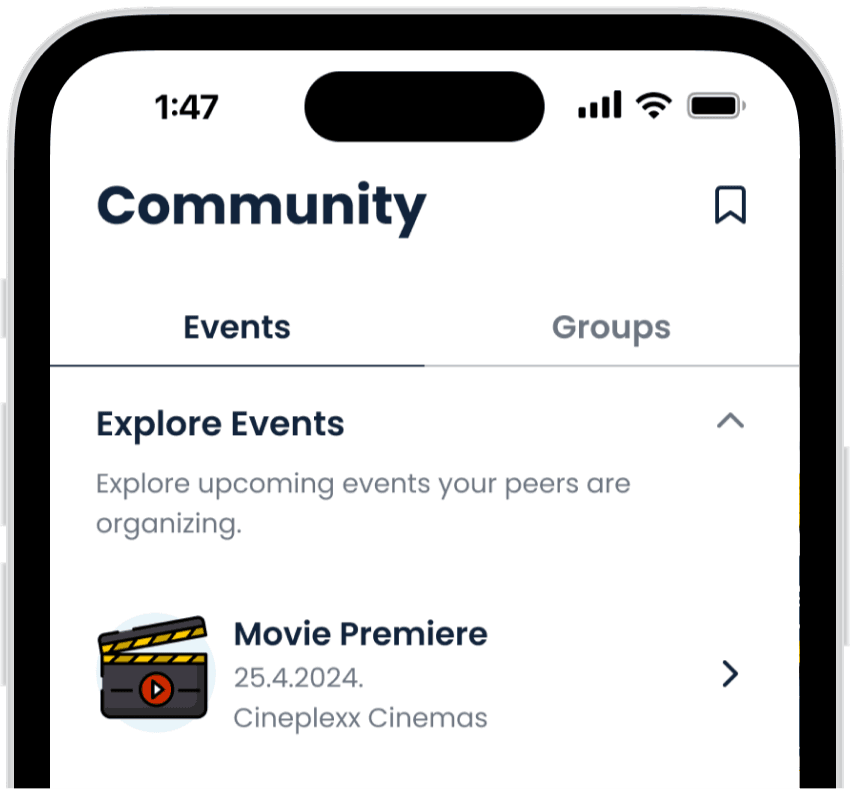
After reflecting on the user tests and consulting the dev team, Groups became Community. Community includes both permanent groups that reflect campus organizations such as sports or the "Greek life", and events that allow students to create temporary happenings where they can meet like-minded people.
This changes required some restructuring to the user flows and screen designs.
Navigation
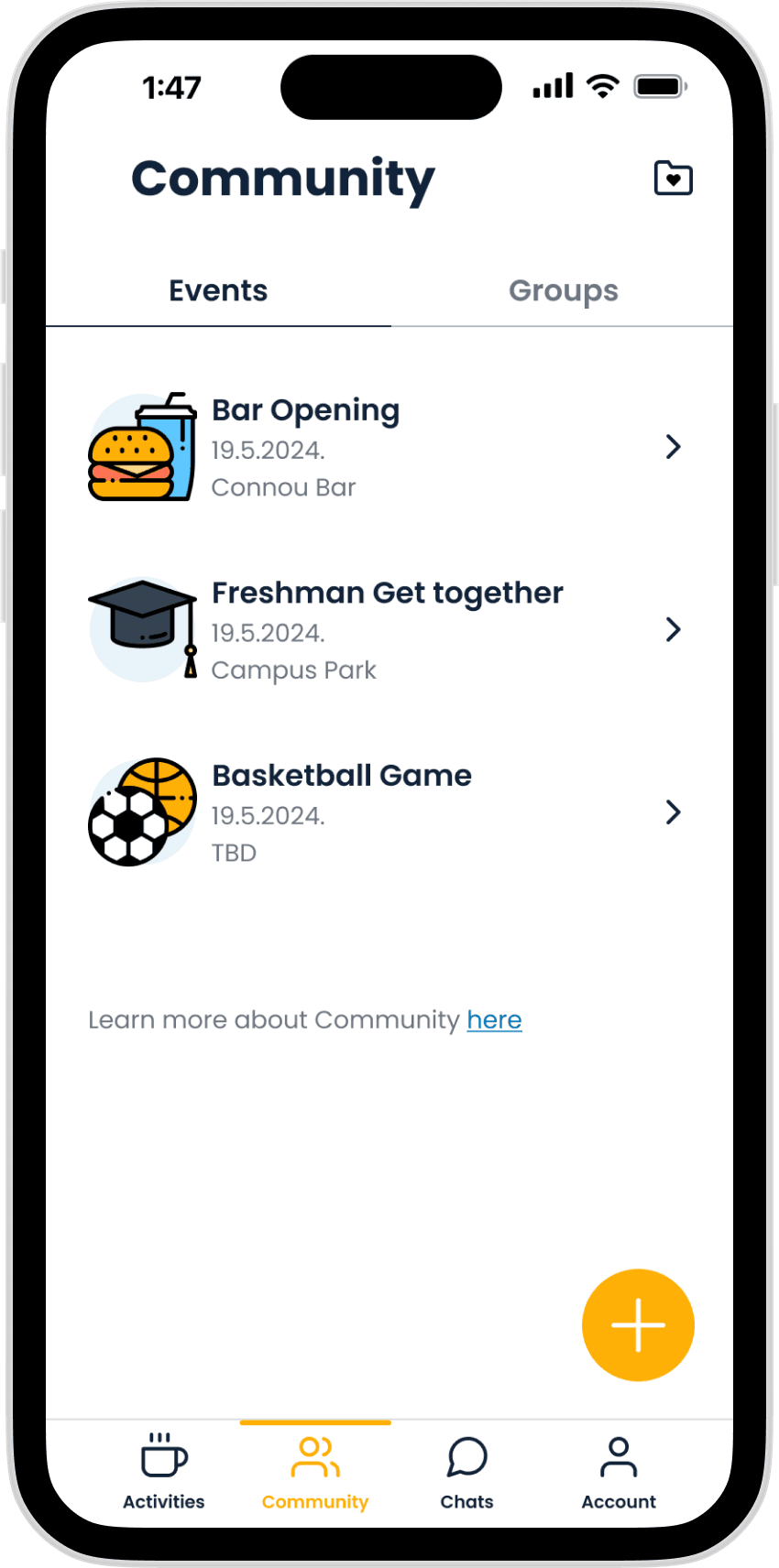
Users can now use the tab menu to navigate between Events and Groups
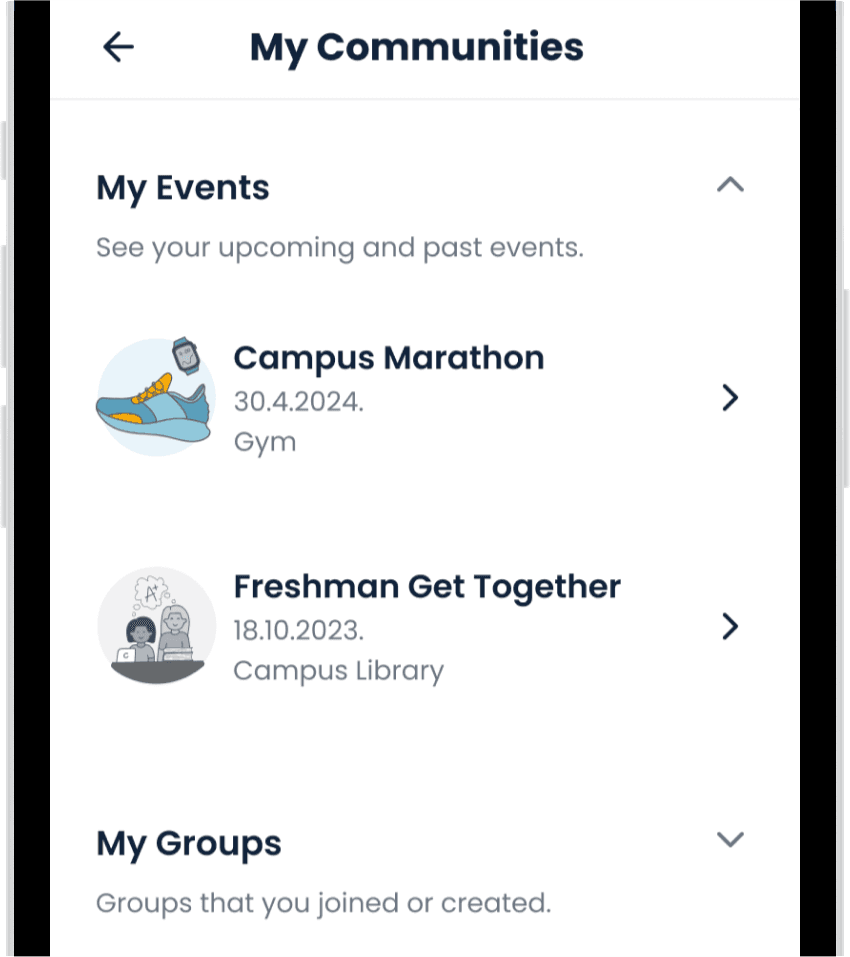
My Communities
An easy way to access and overview every community joined.
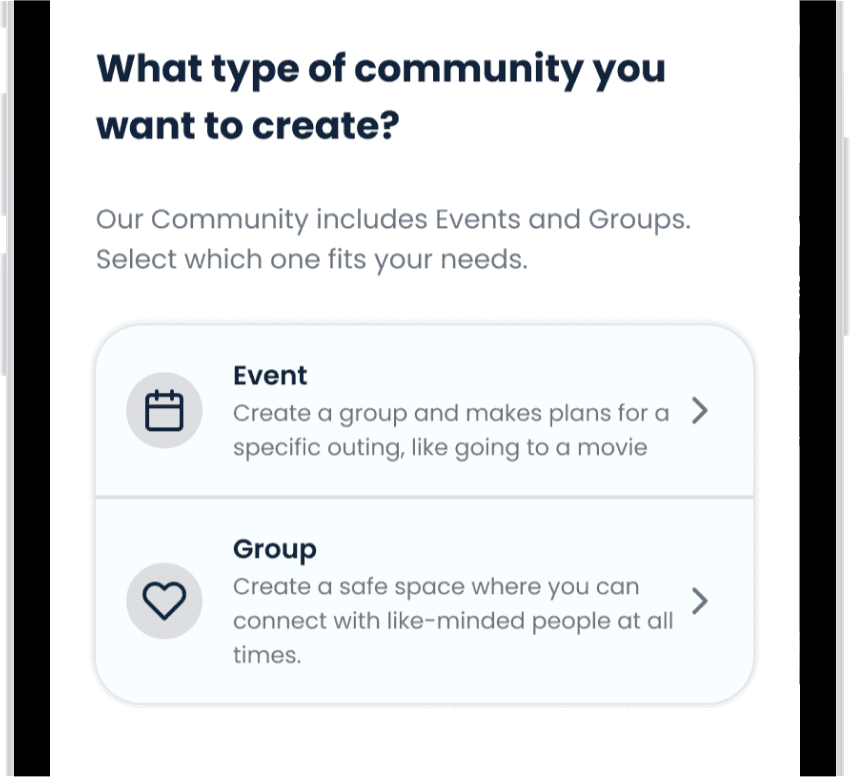
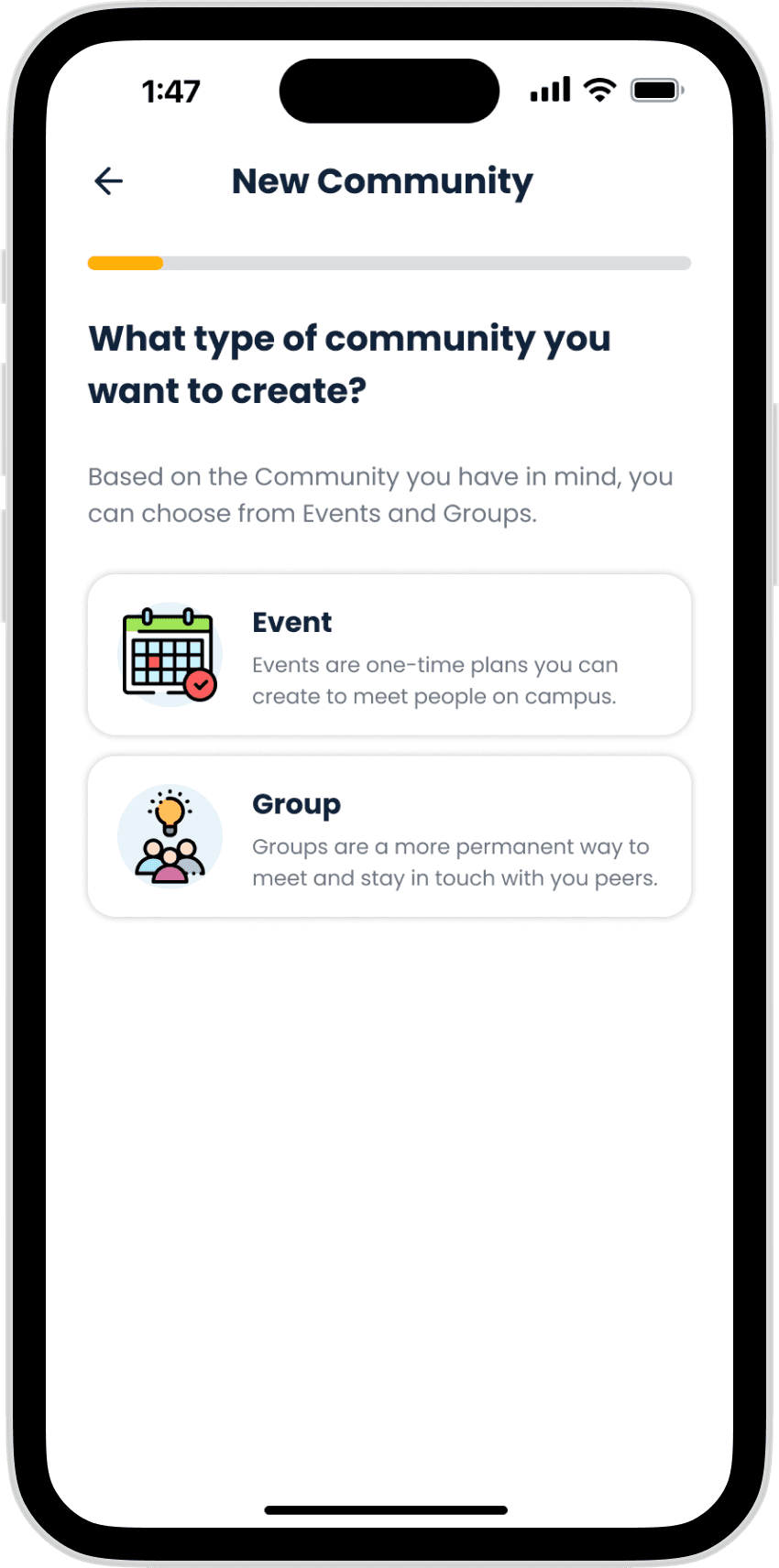
New flow for creating Communities
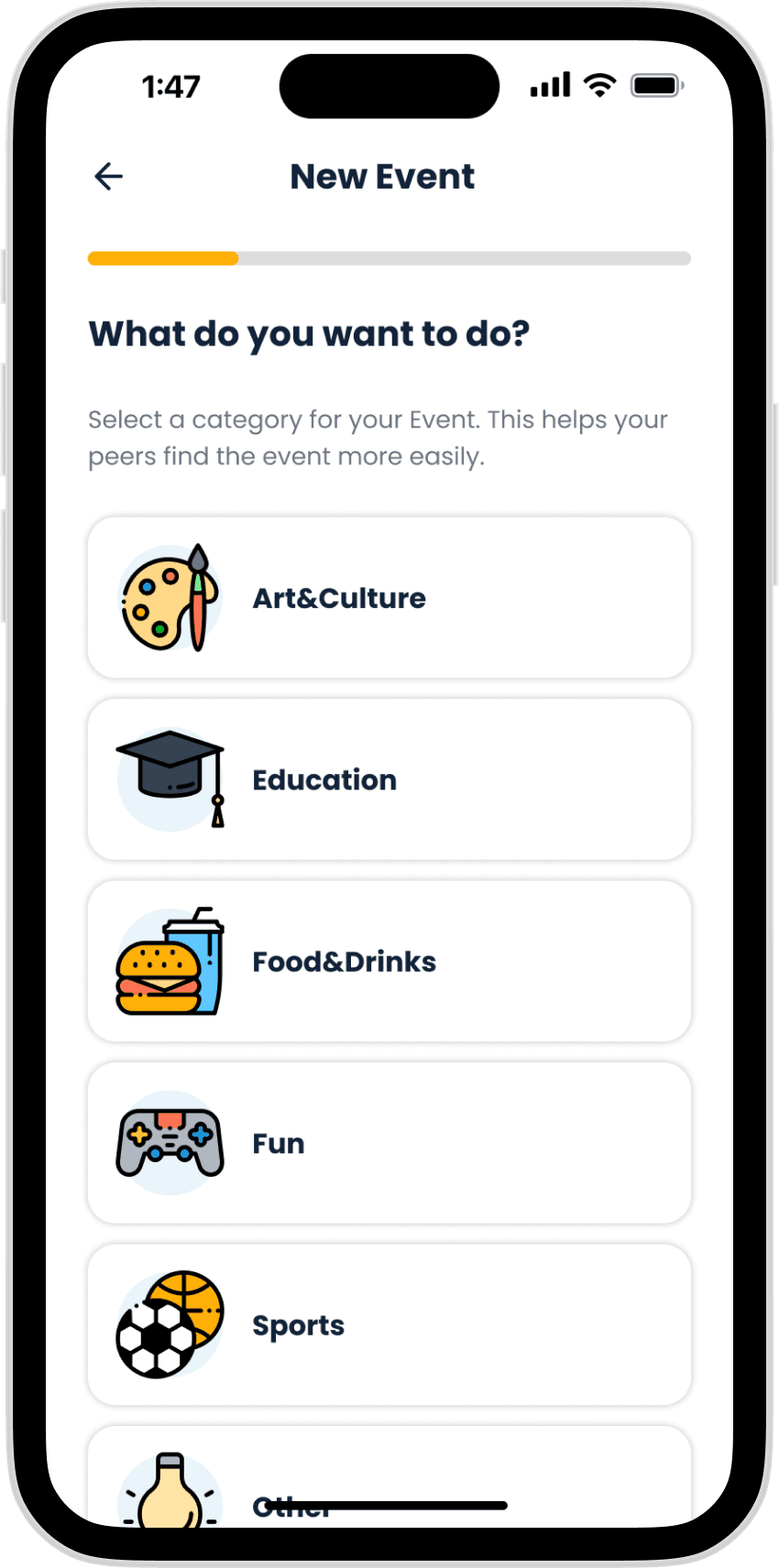
When creating a new community, users can now choose if they want to plan an Event or start a Group.
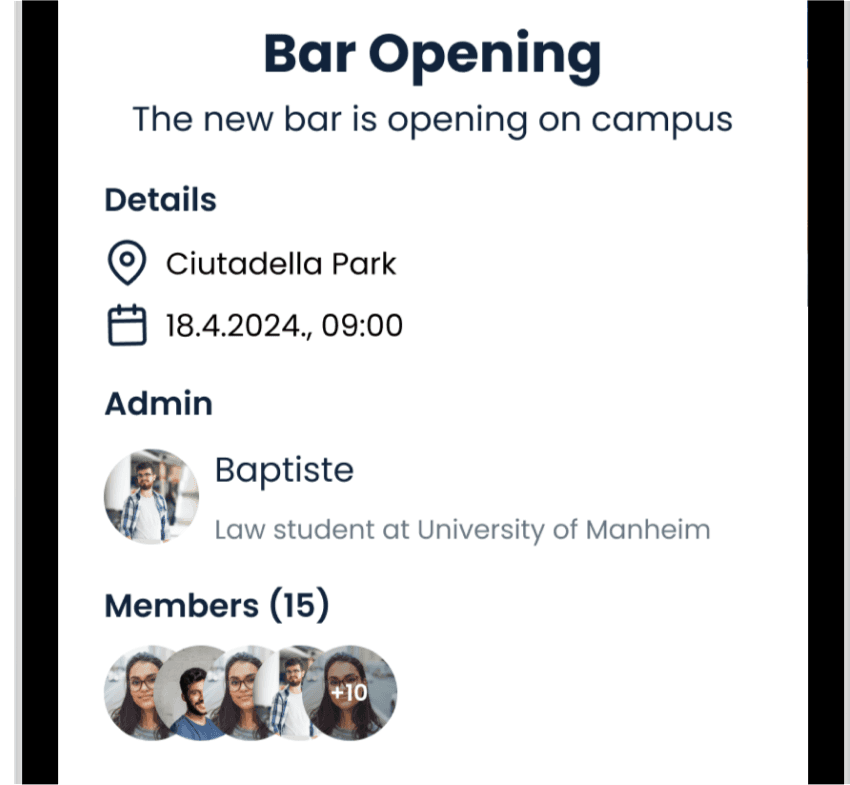
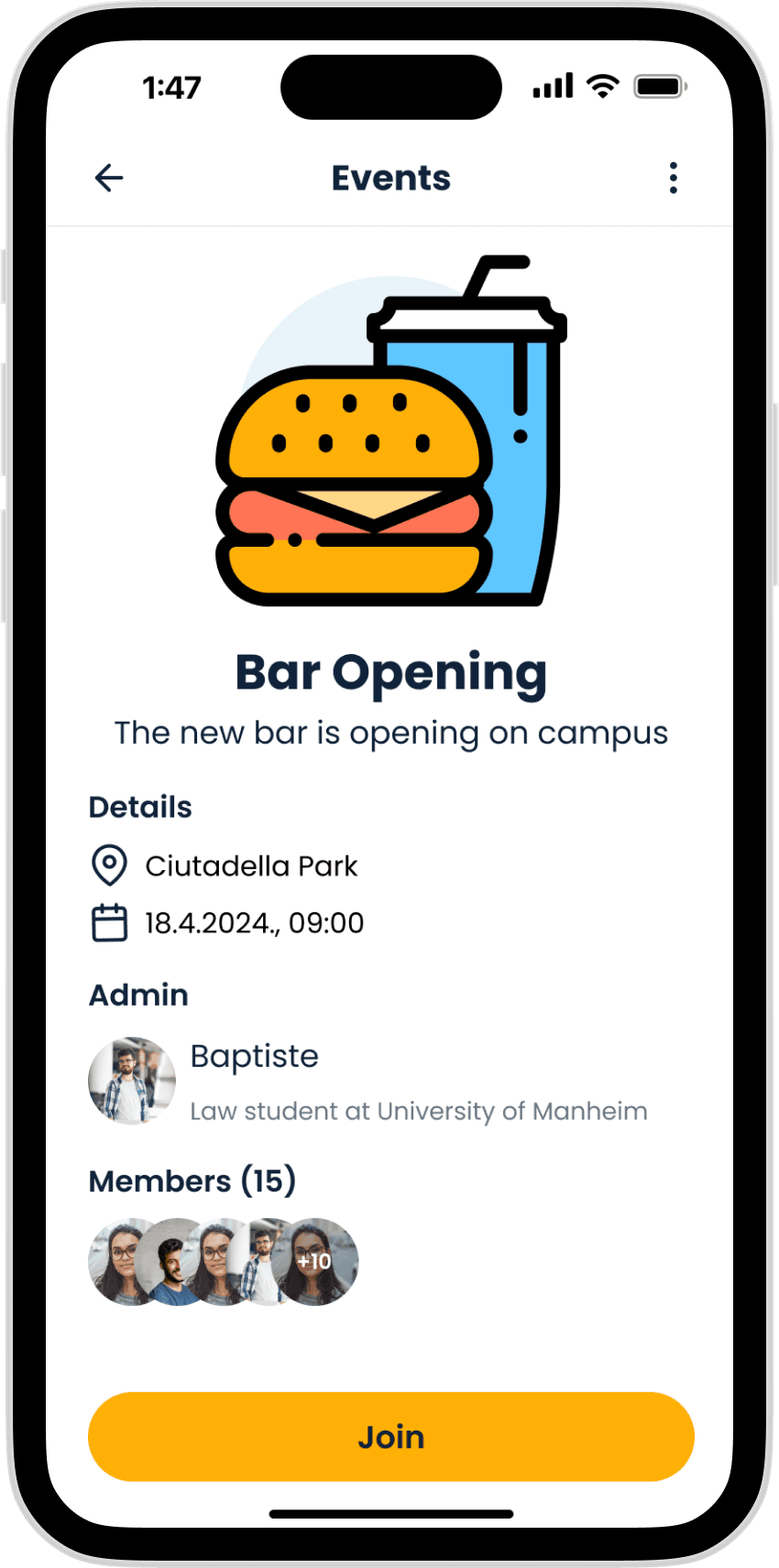
Event overview
If they want to participate in an event, user can review all the relevant information before joining.
FINAL FEATURES
Joining an event
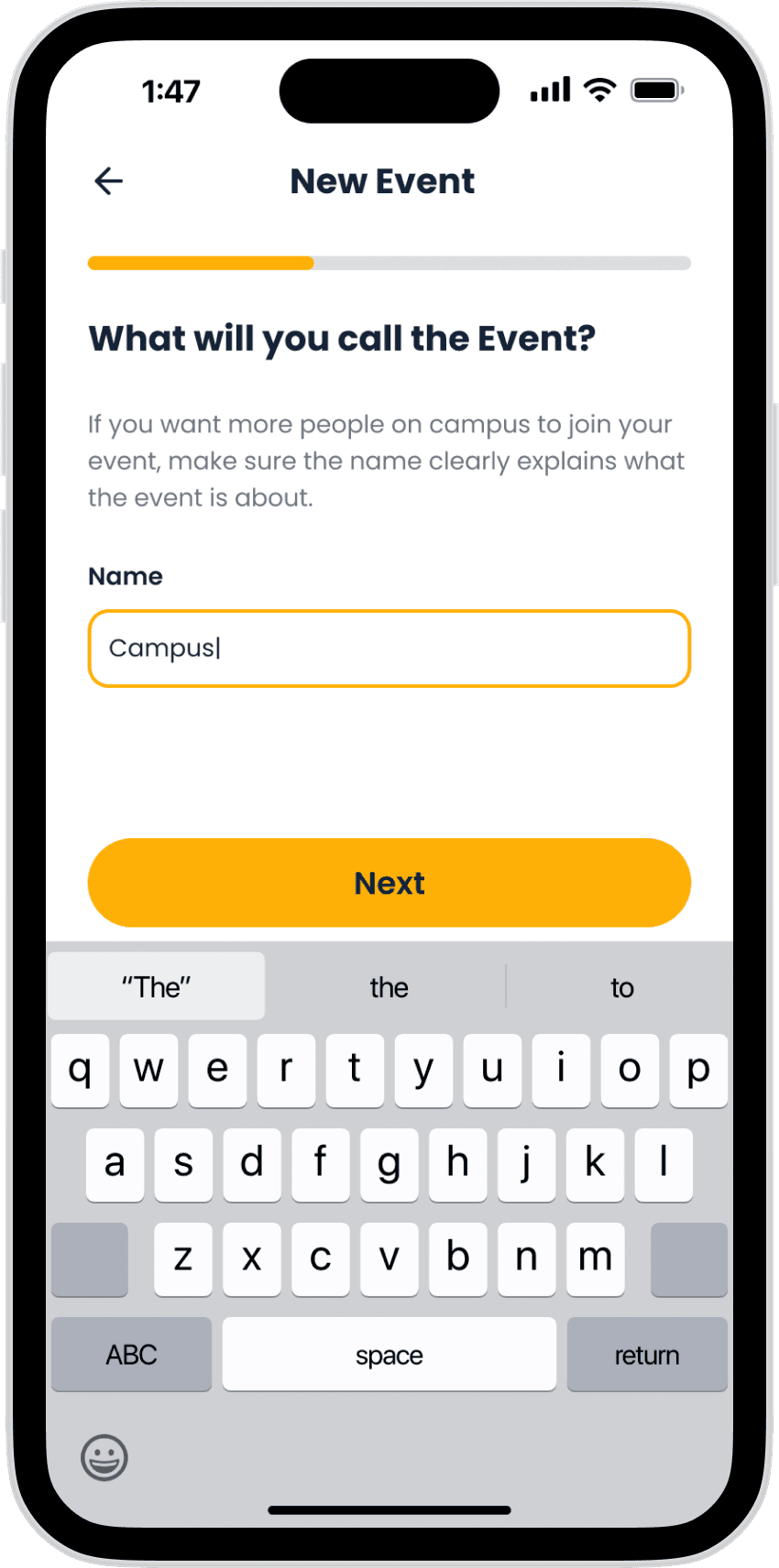
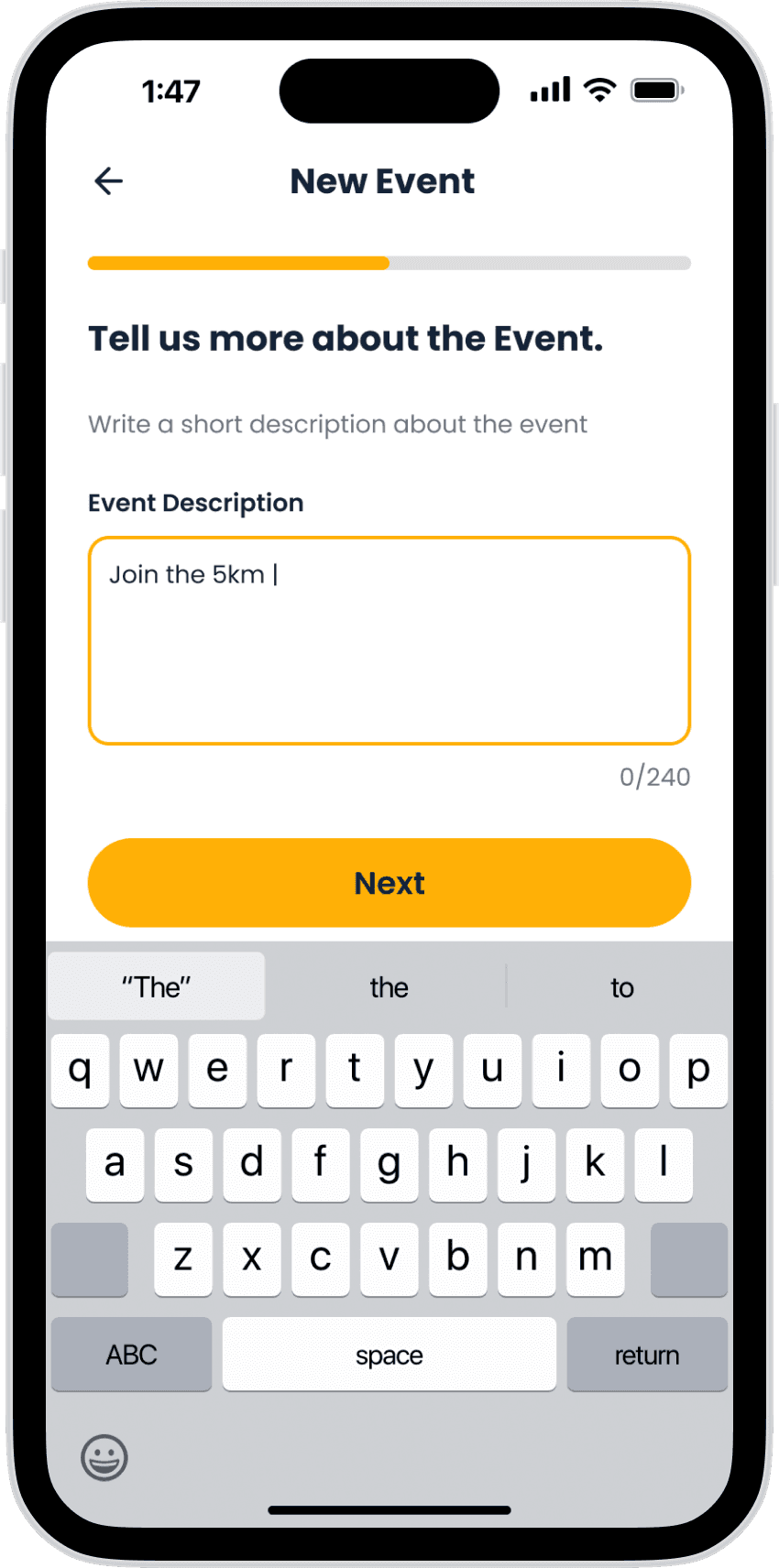
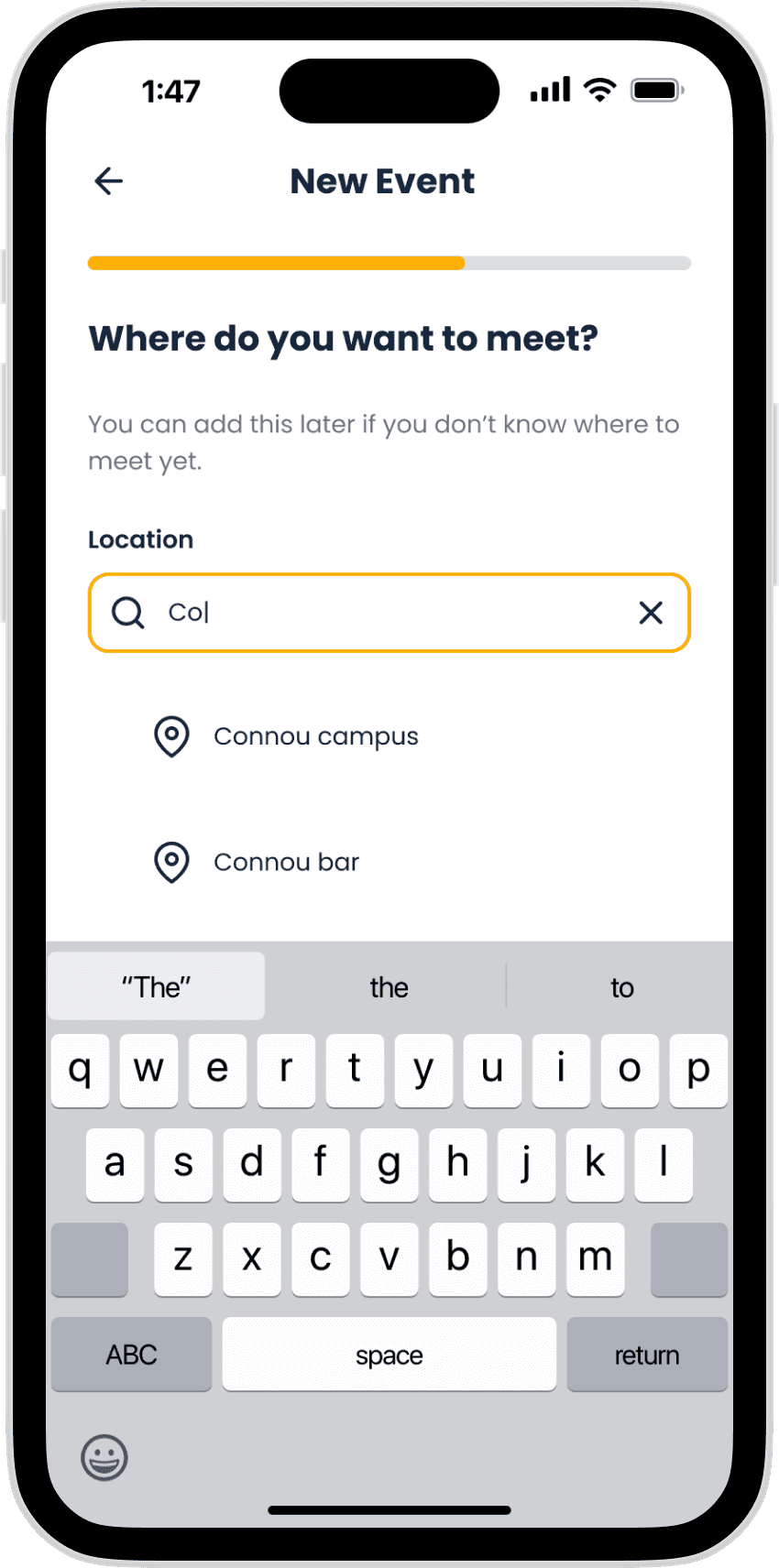
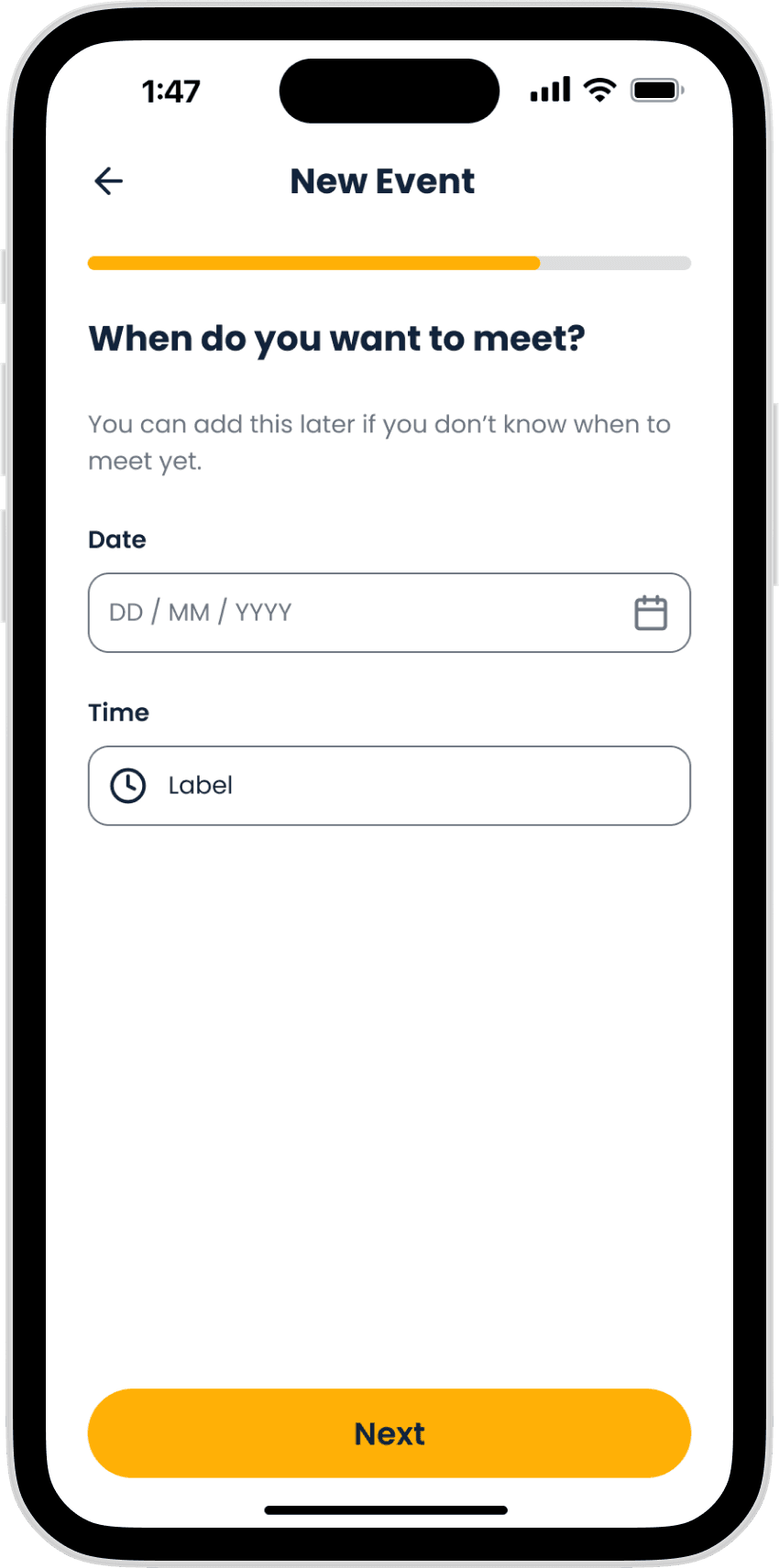
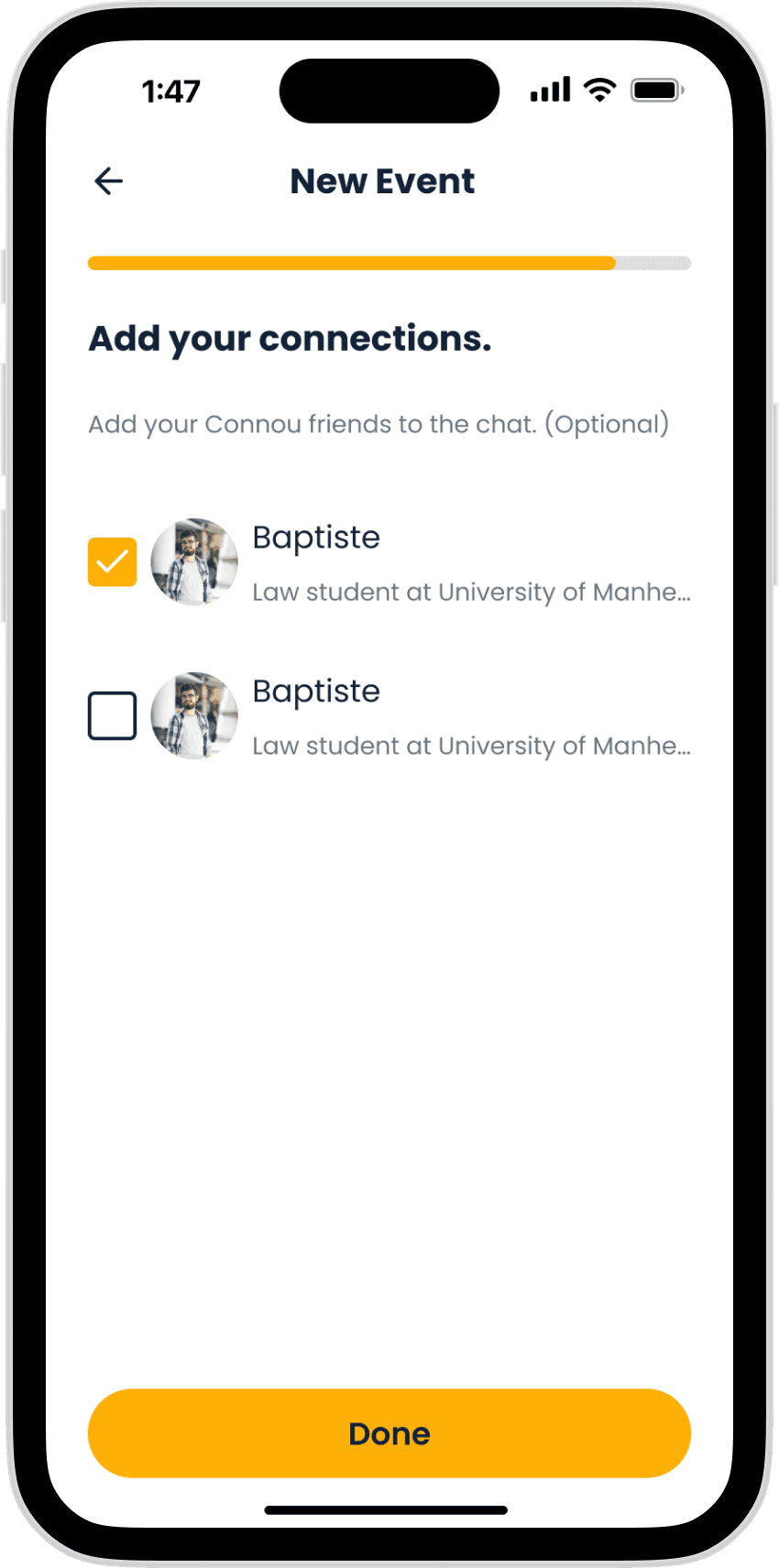
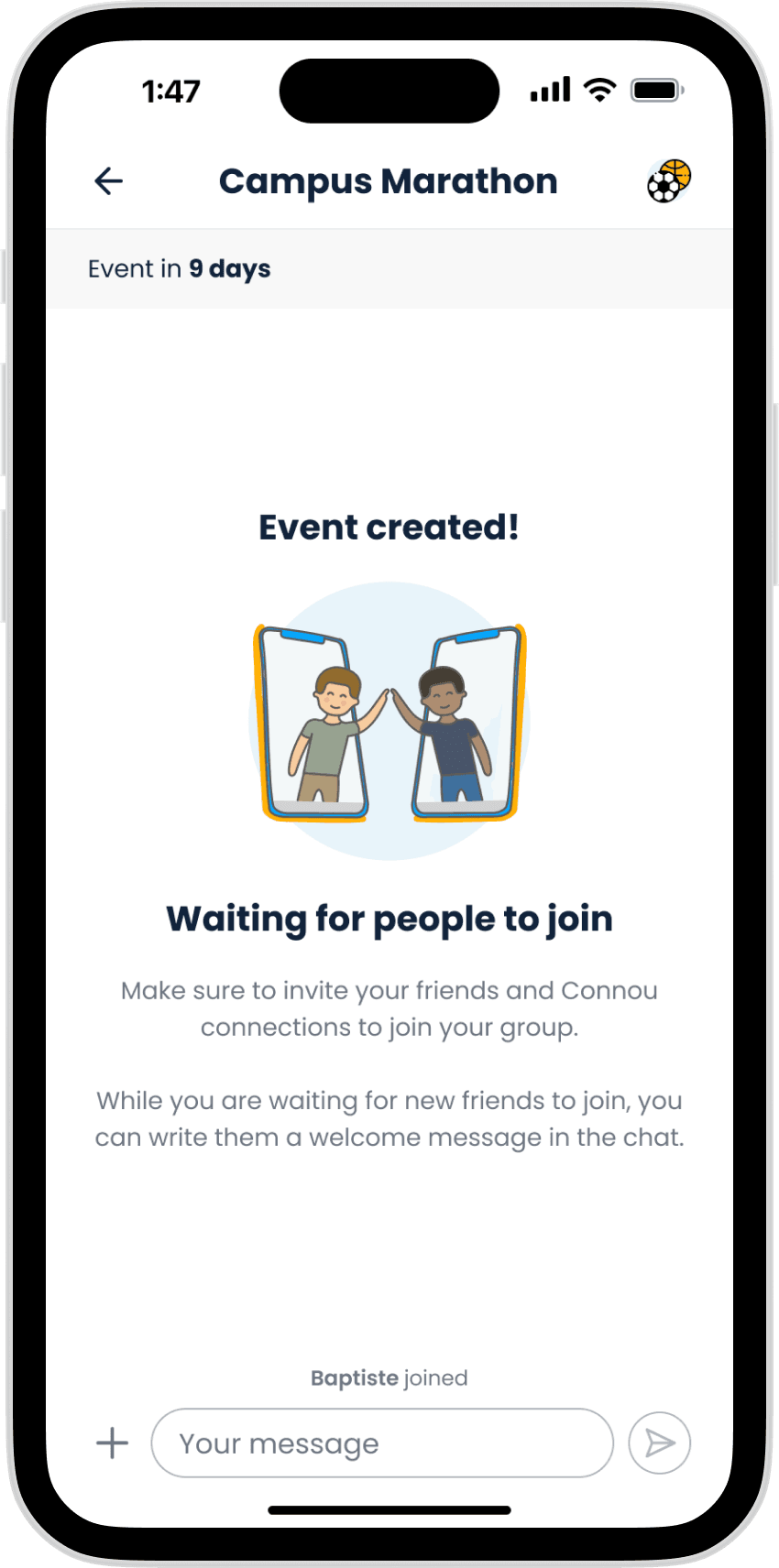
Creating an event
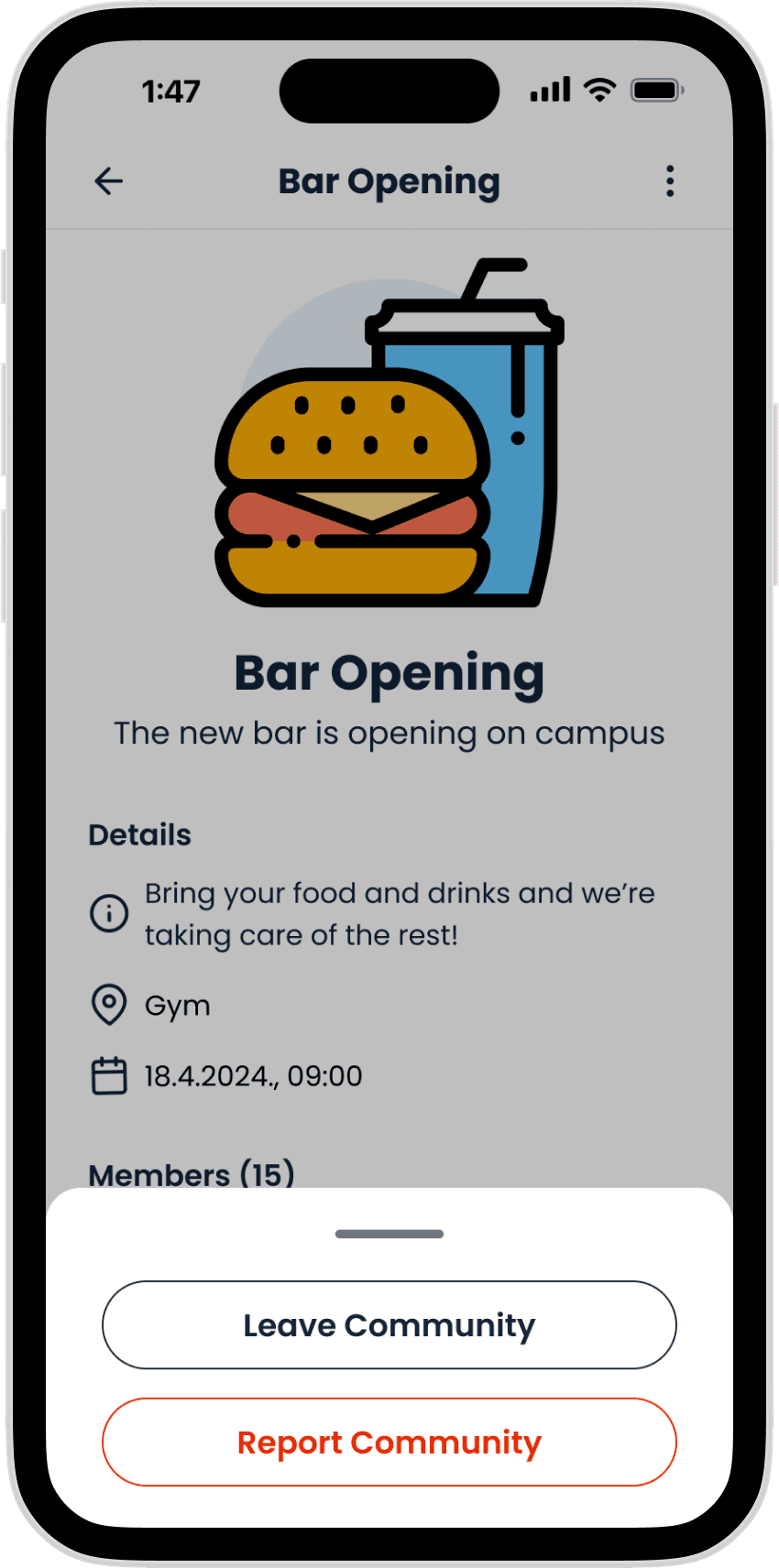
Safety options
LEARNINGS